
USB-C docking stations
Multiport docks bring together compatible display, USB, network and power functions, depending on the laptop and dock.
WORKPLACE PERIPHERALS
Connect laptops to displays, networks and desk accessories through a compatible dock.
Discuss this solution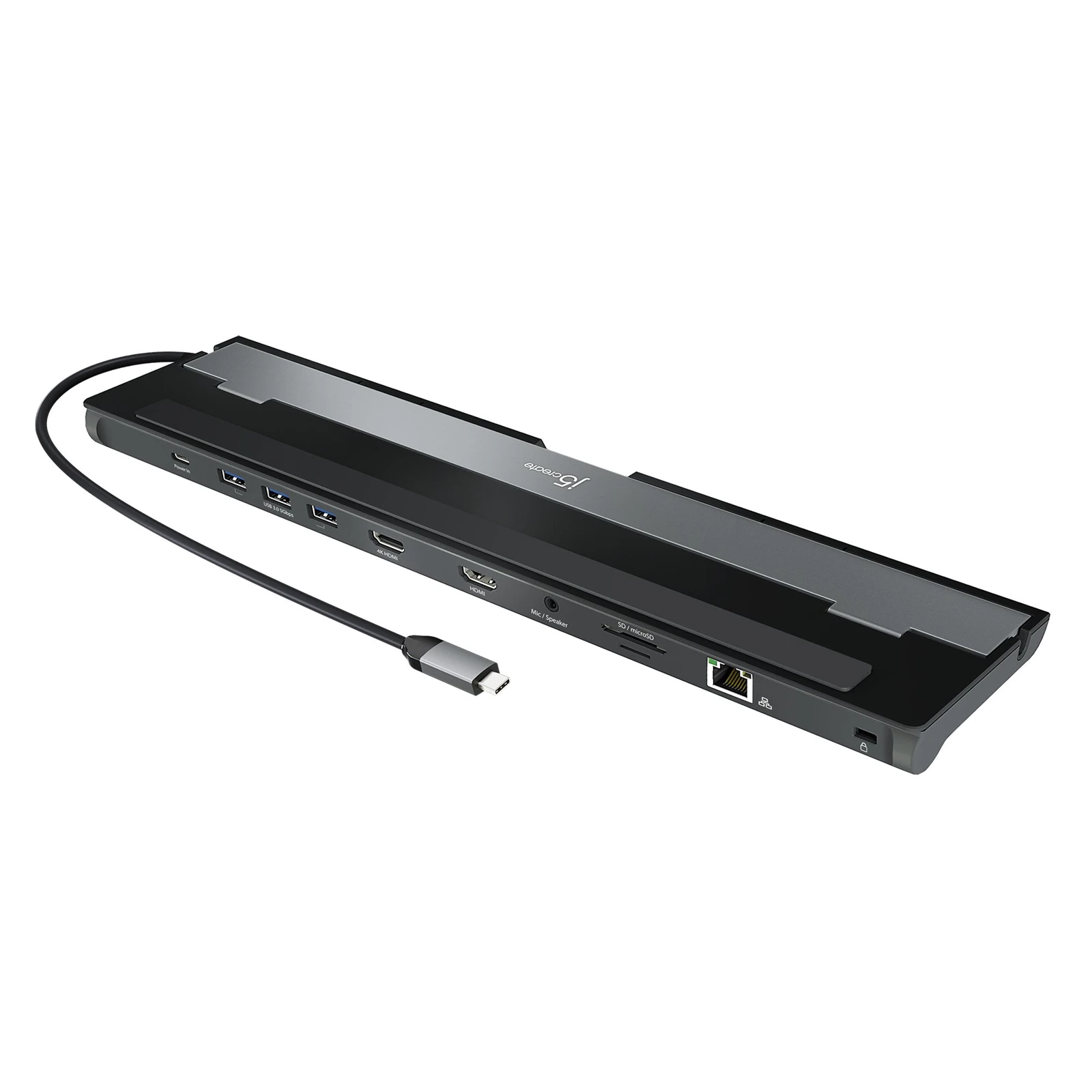
THE SOLUTION
A docking station can simplify a desk connection, but the laptop and dock must support the same functions. Spurlink offers docking options from Cadyce, j5create, Honeywell, Dell and HP. We check the computer’s USB-C or Thunderbolt capabilities, charging needs and display requirements before proposing a model. The complete desk setup is reviewed so that video, network and accessories work as intended.
PRODUCT TYPES & CAPABILITIES
Multiport docks bring together compatible display, USB, network and power functions, depending on the laptop and dock.
OEM docking families can be evaluated for standardized business notebook deployments.
The number of supported displays, resolution and refresh rate must be checked for the host, dock and operating system combination.
Charging capacity, power adapters, cables and connected peripherals are specified alongside the dock.
OEM PRODUCT SPOTLIGHT
Explore products from our OEM portfolio. We confirm the exact model, configuration and availability for your project.
j5create
A USB-C docking station with dual HDMI connections and additional desk interfaces. Supported displays and charging behaviour depend on the laptop, operating system and selected connections.
Official product informationTYPICAL APPLICATIONS
BEFORE WE SPECIFY
01Exact laptop model and port capabilities
02Display count, resolution and refresh rate
03Charging wattage and peripheral connections
COMPLETE THE SOLUTION
LET’S BUILD WHAT’S NEXT
Tell us what your business needs. We’ll help connect the right technologies to it.