
Interactive classroom displays
Touch-enabled screens support lessons, annotation and shared digital content. The software experience is checked against the teaching workflow.
DISPLAYS & SMART CLASSROOMS
Touch-enabled displays for classrooms, workshops and collaborative meetings.
Discuss this solution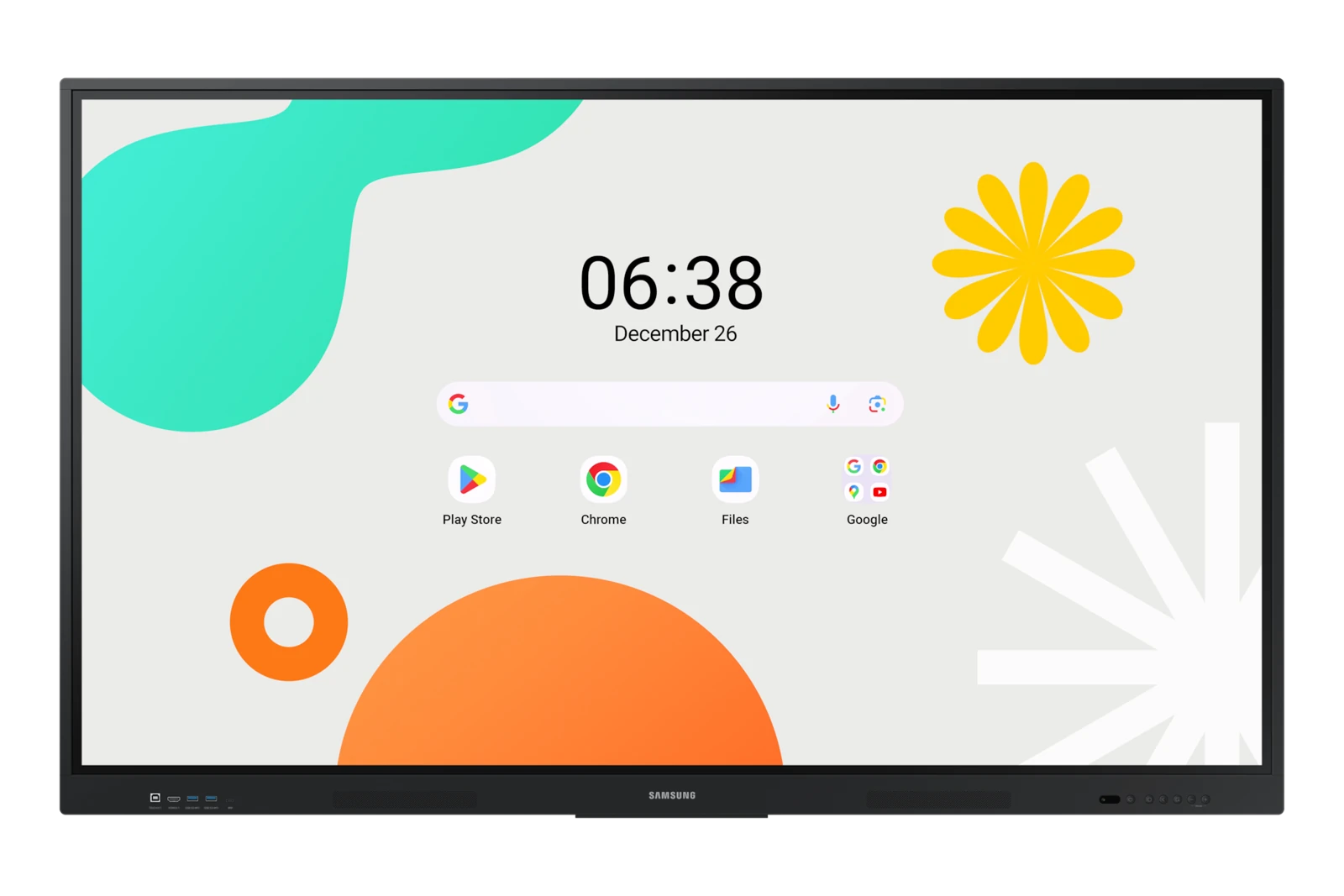
THE SOLUTION
Interactive panels put content, annotation and participation in the same space. Spurlink offers touch-display solutions for teaching and business collaboration, with options from MAXHUB, Samsung, Hisense and Yealink. We consider screen size, touch experience, computer integration and the tools your users already know. The complete setup can include a stand, room camera, microphone and presentation connections.
PRODUCT TYPES & CAPABILITIES
Touch-enabled screens support lessons, annotation and shared digital content. The software experience is checked against the teaching workflow.
Interactive displays support whiteboarding, presentations and collaborative discussions in business spaces.
Built-in or external computing, USB touch connections and wireless presentation are selected for the required applications.
Wall mounts, mobile stands, cameras and audio equipment complete the room according to viewing position and movement requirements.
OEM PRODUCT SPOTLIGHT
Explore products from our OEM portfolio. We confirm the exact model, configuration and availability for your project.
Samsung
A Samsung interactive display illustrating touch-enabled teaching and presentation equipment. The proposed model, screen size and software capabilities are confirmed for the project.
Official product informationTYPICAL APPLICATIONS
BEFORE WE SPECIFY
01Screen size, touch requirements and classroom layout
02Required apps, operating system and computer connection
03Mounting, mobility and audio-video integration
COMPLETE THE SOLUTION
LET’S BUILD WHAT’S NEXT
Tell us what your business needs. We’ll help connect the right technologies to it.